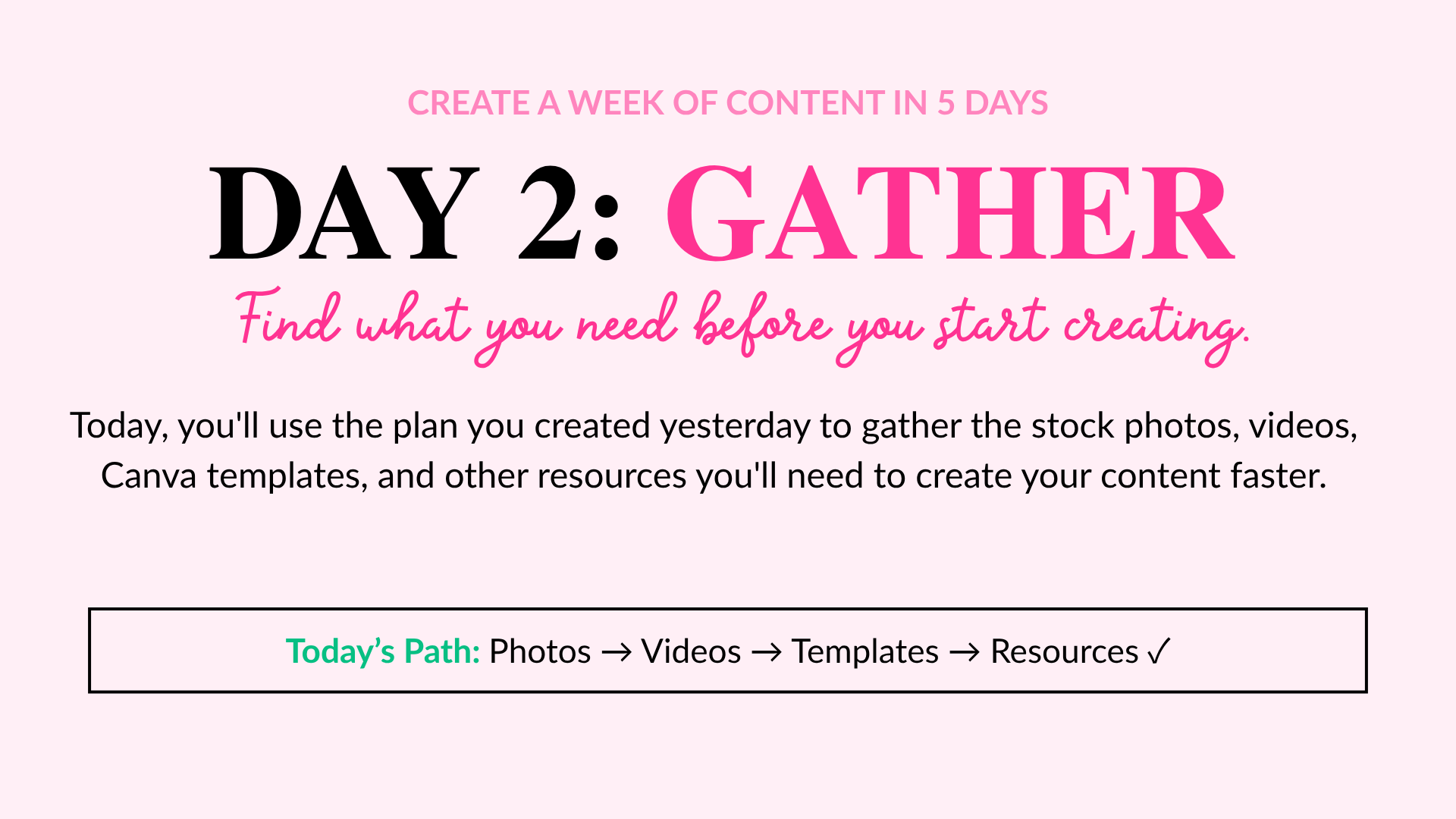
WELCOME to day 2
Time to Gather Assets
Yesterday, you created the plan. Today, we're getting everything ready to bring that plan to life.
One of the easiest ways to make content creation take longer than it needs to is to start creating before you're prepared. You open Canva, realize you need a photo, stop to search for one, go back to your design, realize you need a link, then remember there's a template you wanted to use...
Before you know it, you've spent more time looking for things than creating.
Today, we're fixing that.
Think of today as your content prep day. You'll review what you planned, figure out what you need, and gather it all in one place so that when it's time to create, you can focus on creating.
YOUR DAY 2 GOAL
By the end of today, you'll have the assets and resources you need for your planned content gathered, organized, and ready to use.

Today you'll use the Asset Needed column in your weekly planner.
LET’S GATHER WHAT YOU NEED
Work through each step below to get everything ready for Create Day.
-
Open your Weekly Planner and look at the content pieces you planned yesterday.
For each piece, quickly review:
What am I creating?
What format am I using?
What is the purpose?
What is the CTA?Don't start changing your plan or brainstorming new content. Today, we're working with the decisions you've already made.
YOUR ACTION
Review each content piece on your Weekly Planner before moving on.
-
Now look at each content piece and ask:
What do I need to create this?
Depending on what you're creating, you might need:
Stock photos
Stock videos
Canva templates
Brand photos or graphics
Your logo, fonts, or brand colors
Product or service links
Freebie or sales page links
Previous blog posts or emails
Testimonials
Research, statistics, or notes
Client examples or screenshots
You won't need everything on this list for every piece of content. Only gather what's actually necessary for your plan.
YOUR ACTION
Use the Asset Needed column in your Weekly Planner to list what you'll need for each content piece.
-
Now it's time to find what you listed.
Before creating something new, look at what you already have. Search your existing folders, previous content, Canva designs, brand library, and the She Bold Stock Vault for resources you can use.
New to the Vault? Start with the Starter Kit.
It's a curated collection designed to help you get started without searching through the entire Vault. Check the starter kit here, then explore the rest of the Vault only if you need something else.You might gather:
Stock photos or videos
Canva templates
Previous content or notes
Links, testimonials, or brand assets
Remember, you're not creating today. You're simply getting everything ready for Create Day.
YOUR ACTION
Gather the assets listed in the Asset Needed column of your Weekly Planner.
Only grab what you need for this week's plan.
-
Don't gather your resources just to lose them again.
Create one easy-to-access place for this week's content.
That could be:
A folder on your computer
A Google Drive folder
A Canva folder
A notes document with your links
Whatever system already works for youYou don't need a complicated organization system.
You simply need to know:
“Everything I need for this week's content is HERE.”
You might create a folder called:
Week of August 17 Content
Then save your photos, videos, templates, links, screenshots, and other resources inside or alongside it.
YOUR ACTION
Put everything you've gathered somewhere you can easily access it on Create Day.
-
Before you call Day 2 complete, return to your Weekly Planner.
Look at each content piece one more time and ask:
Do I have what I need to create this?
If something is still missing, find it now.
If you have everything you need, you're done.
Don't start creating just because everything is sitting there looking cute and ready.
That's tomorrow's job.
DAY 2 CHECKLIST
Make sure you're ready for Day 3
☐ I reviewed the content I planned on Day 1.
☐ I identified the assets needed for each piece.
☐ I checked what I already had before creating something new.
☐ I gathered my photos, videos, templates, links, and other resources.
☐ I organized everything somewhere easy to access.
☐ I updated the Asset Needed section of my Weekly Planner.
☐ I have what I need to start creating.

DAY 2 COMPLETE 🎉
You've made the decisions, gathered your resources, and prepared your workspace.
Tomorrow, there's no wondering what to create or stopping every few minutes to find what you need.
You're ready to CREATE.
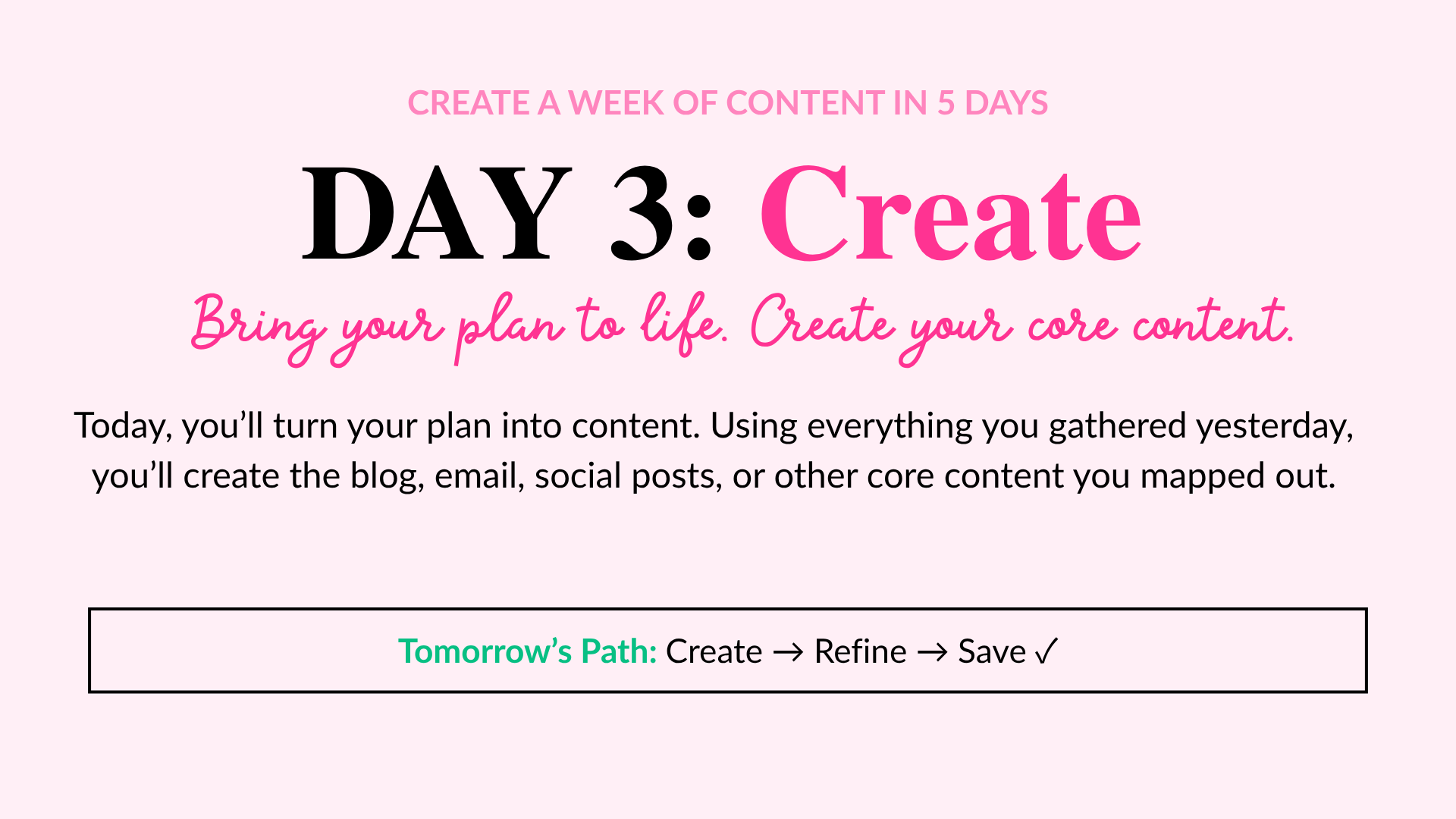
Ready for Day 3?
It's time to turn your plan and resources into content.