
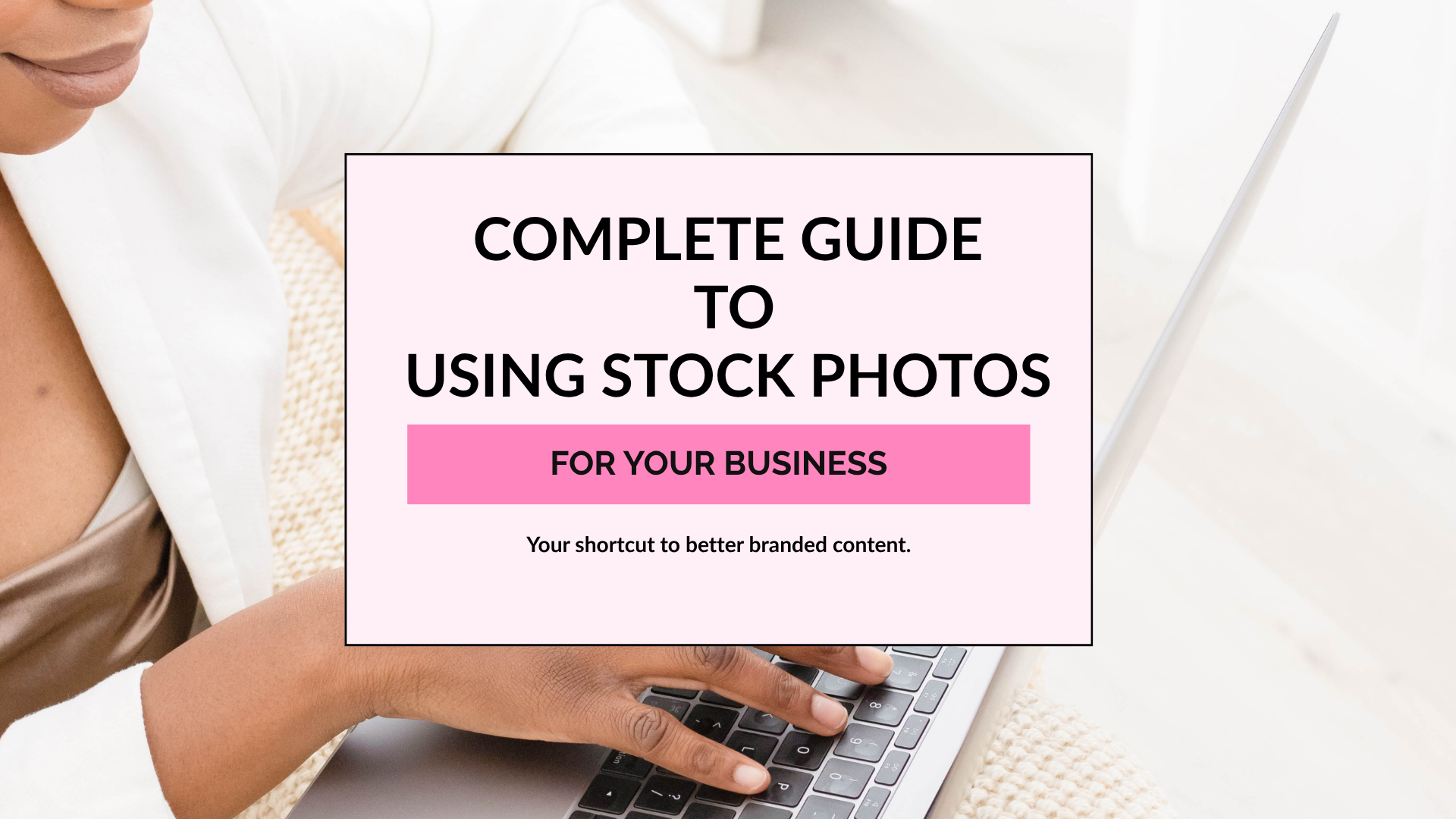
The Complete Guide to Using Stock Photos for Your Business

If you're running an online business, you already know just how many visuals you need to keep your brand showing up consistently. Your website needs photos. Your blog needs graphics. Your emails, Pinterest pins, social media posts, freebies, and digital products all need something visual too.
And unless you have the time (or desire!) to pull out your camera and plan a photoshoot every time you need to create content, that's where stock photos can make your life a whole lot easier.
The right stock photos can help you create beautiful, on-brand content faster without having to create every single visual from scratch.
But the key is knowing how to choose and use them in a way that actually feels like your brand.
So in this guide, we're breaking down exactly how to use stock photos for your business — from choosing the right images to customizing them, staying consistent with your brand, and getting more use out of every photo you download.
What Are Stock Photos?
Stock photos are professionally created images that are licensed for other people and businesses to use in their own content and marketing.
Instead of planning a photoshoot every time you need a new image, you can choose from ready-to-use photos that fit your brand and the message you're trying to share.
For an online business, that means you can have beautiful visuals ready for your website, blog, Pinterest pins, emails, social media graphics, digital products, and more — without having to create every image yourself.
And no, stock photos don't have to look stiff, overly posed, or like the same generic photo you've seen on 20 different websites. 😂 With the right images (and a little customization), stock photography can actually become a recognizable part of your brand.
Why Use Stock Photos for Your Business?
Creating content for your business takes time — and creating all the visuals to go along with that content can make it take even longer.
Stock photos give you a shortcut.
Instead of constantly planning photoshoots, searching for props, finding the perfect lighting, or trying to snap a photo every time you need to post something, you can pull from a library of images that are already ready to use.
The right stock photos can help you:
Save time creating content by starting with a ready-made visual.
Show up more consistently because you always have images available when you need them.
Create a cohesive brand by choosing photos that complement your colors, style, and overall brand personality.
Look polished and professional even if photography isn't your thing.
Get more mileage from your content by using the same image in different ways across your blog, Pinterest, emails, website, and social media.
The goal isn't to replace every original photo in your business with stock photography. It's to give yourself a library of visuals you can reach for when you need to create something without starting from scratch every single time.
Because the less time you spend wondering “What image am I going to use for this?” the more time you have to actually market and grow your business.
How to Choose Stock Photos That Fit Your Brand
Having access to beautiful stock photos is great, but that doesn't mean every beautiful photo belongs in your content.
The photos you choose should feel like they naturally belong to your brand.
Before downloading a photo just because it's cute (we've all been there ), ask yourself:
1. Does It Match Your Brand Style?
Think about the overall look and feel of your brand. Is it bright and colorful? Soft and minimal? Bold and energetic? Warm and cozy?
Look for stock photos with colors, lighting, props, and styling that complement the visual identity you've already created.

How would you caption these images?
2. Does It Make Sense With Your Content?
Your photo doesn't have to literally show exactly what you're talking about, but there should still be a connection.
If you're creating a post about planning your content, for example, a styled desk, planner, laptop, or workspace could help visually support your message.

3. Does It Feel Natural?
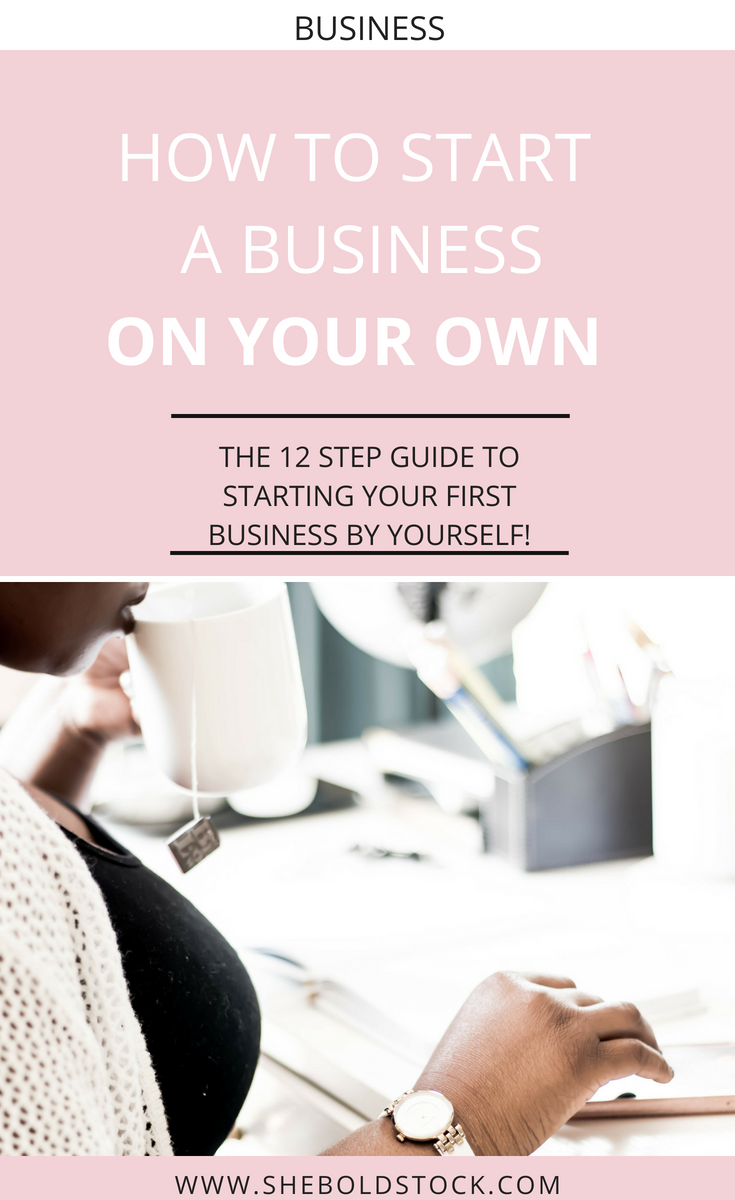
You don't have to settle for stiff poses, forced smiles, or overly staged photos.
Choose images that feel authentic and relatable to the people you're trying to reach. Lifestyle photos, natural workspaces, everyday moments, and candid-looking images can make stock photography feel much more personal.

She Bold Stock Image Typical Stock Photo Image
4. Does It Represent Your Audience?
Your visuals communicate who your brand is for before someone ever reads a word of your content.
When you're choosing photos featuring people, look for imagery that reflects the diversity of the community you want to build and the customers you want to serve.
5. Can You Use It More Than Once?
Before downloading an image, think beyond the one graphic you're currently creating.
Could you crop it differently for Pinterest? Use it as a website banner? Add text to it for a blog graphic? Include it in an email?
Choosing versatile photos helps you build a useful stock photo library instead of a folder full of pretty images you never actually use.
How to Customize Stock Photos to Match Your Brand
One of the easiest ways to keep stock photos from looking like stock photos is to make them your own.
You don't necessarily need to heavily edit every image you use. A few simple, consistent touches can help a stock photo blend right into your brand.
Here are a few easy ways to do it:
Add Your Brand Colors
Use your brand colors in text, backgrounds, borders, shapes, or other graphic elements you add to the photo. Even when the colors in the actual image aren't an exact match, your branded elements can help tie everything together.
Use Consistent Fonts and Graphics
Pair your stock photos with the same fonts, design elements, and graphic style you use throughout the rest of your content. This is especially helpful when you're creating Pinterest pins, blog graphics, social media posts, or promotional graphics.
Crop the Photo Differently
Don't feel like you have to use the entire image! Crop in closer, focus on one part of the photo, or reposition it to leave room for text.
One photo can look completely different depending on how you crop it.
Add Text Overlays
Stock photos with a little negative space are perfect for adding headlines, quotes, tips, or calls to action.
This is one reason I love choosing versatile images — the same photo can become a blog graphic today, a Pinterest pin next week, and an email graphic later.
You don't have to completely transform a stock photo to make it work for your brand. The goal is simply to use it consistently enough that it feels like it belongs with everything else you're creating.
Want even more ideas? Check out 5 Ways to Customize Stock Photos for more ways to turn stock imagery into branded content.
Where Can You Use Stock Photos?
Stock photos can do a whole lot more than fill an empty spot on your Instagram feed.
Once you have a collection of images that fits your brand, you can use those photos throughout your entire marketing strategy.
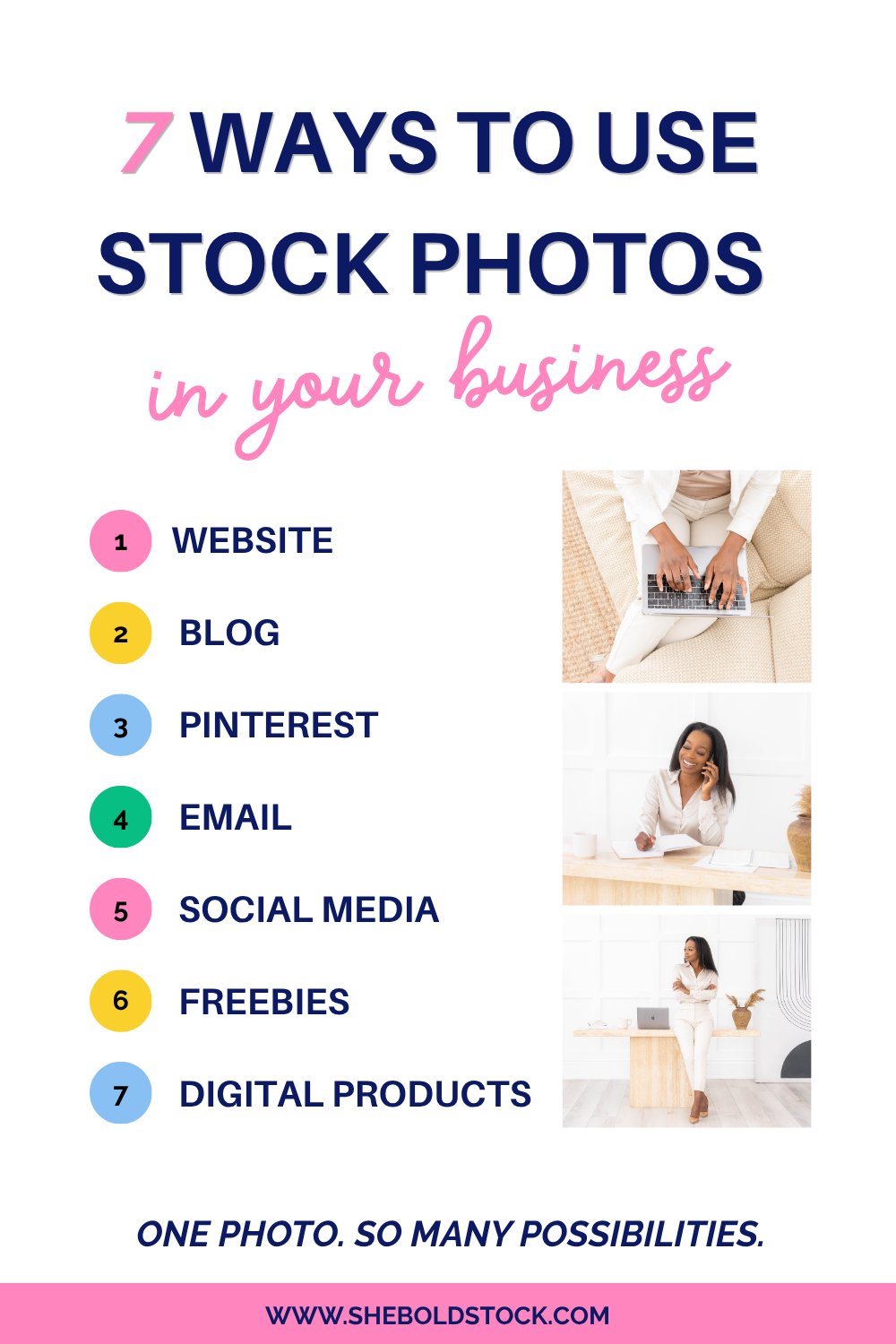
Here are a few places to put them to work:
Blog posts: Create featured images, headers, and graphics throughout your articles.
Pinterest: Turn your photos into branded pins that lead people back to your blog posts, freebies, products, or services.
Email marketing: Add personality to newsletters, promotional emails, and email headers.
Your website: Use stock photos throughout your homepage, sales pages, about page, service pages, and other areas of your site.
Social media: Create educational graphics, promotional posts, quotes, carousels, and other branded content.
Lead magnets: Make your checklists, guides, workbooks, and other freebies look more polished and on-brand.
Digital products: Add visual interest to ebooks, workbooks, planners, presentations, courses, and other resources you create.
Promotional graphics: Create graphics for launches, sales, new offers, events, and announcements.
And remember: you don't need a different photo for every single piece of content you create.
One great stock photo can be cropped, resized, paired with different text, and repurposed across several platforms.
For example, you could use the same image as your blog post header, turn it into two Pinterest pins, crop it for an email graphic, and use another version to promote the post on social media.
That's how stock photos really start saving you time — you're not just finding an image. You're building a library of visual content you can continue coming back to.
Looking for even more inspiration? Check out 10 Ways to Use Stock Photos to Grow Your Brand for more ideas.
Stock Photo Licensing: What You Need to Know
Before you download a photo and add it to your website or latest Pinterest graphic, there's one important thing to check: Do you actually have permission to use it?
Finding an image on Google, Pinterest, or someone else's website doesn't automatically mean it's free for you to use in your business.
Stock photo websites and memberships typically provide a license that explains how you're allowed to use the images you download. Depending on where the photo comes from, there may be rules around commercial use, modifying the image, sharing the original file, or using the photo in products you plan to sell.
Before using any stock photo, take a minute to:
Read the licensing terms from the original source.
Make sure your intended use is allowed.
Check whether attribution is required.
Pay attention to restrictions around resale or redistribution.
Keep a record of where you downloaded your images when possible.
And if you're ever unsure whether a particular use is covered, check with the stock photo provider before using the image.
It may not be the most exciting part of creating content, but understanding your stock photo license lets you create with a lot more confidence.
Build a Stock Photo Library Before You Need It
One of the biggest mistakes you can make with stock photos is waiting until you're in the middle of creating something to start looking for the perfect image.
You know the routine. You open Canva to create one quick graphic, realize you need a photo, start searching…and 30 minutes later you're still scrolling. 😂
Instead, start building your own go-to library of stock photos before you need them.
Save images that fit your brand, your content topics, and the types of things you regularly create. You can even organize your favorites into folders or categories like:
Your main content topics
Workspaces and desk scenes
Lifestyle images
Seasonal content
Backgrounds and flat lays
Photos with space for text
Promotional images
Then, when it's time to batch your blog graphics, Pinterest pins, emails, or social media content, you already have a collection of on-brand visuals ready to go.
You can also take this a step further by choosing a handful of photos when you're planning your content for the week or month. That way, you're deciding what you're creating and what visuals you'll use at the same time.
It may seem like a small change, but having your visuals ready ahead of time removes one more decision from the content creation process — and makes it much easier to stop creating everything from scratch.
Where to Find Stock Photos for Your Business
Now that you know what to look for, the next question is: Where do you actually find stock photos for your business?
There are plenty of free and paid stock photo resources available online, and both can have a place in your content strategy.
Free Stock Photos
Free stock photo websites can be a great place to start, especially when you're building your business on a budget.
The downside? Popular free images can show up everywhere, which can make it harder to create a visual style that feels unique to your brand.
If you use free stock photos, be selective about the images you choose, customize them when you can, and always double-check the licensing terms before using them in your business.
For more tips, check out How to Use Free Stock Photos.
Paid Stock Photos & Memberships
Paid stock photography can give you access to more curated collections, less commonly used images, and visuals created specifically with business and marketing content in mind.
And if you're creating content regularly, a stock photo membership can be especially helpful because you're building a library you can continue pulling from instead of searching the internet every time you need something new.
Looking for Bright, Colorful Stock Photos?
That's exactly why I created She Bold Stock.
The She Bold Stock Vault gives online business owners access to a library of bright, colorful, inclusive stock photos and videos, along with Canva templates and other content creation resources designed to help you create your marketing content faster.
Instead of starting from scratch every time you need to create something, you can open the Vault, find a visual that fits what you're creating, customize it for your brand, and keep moving.
Because creating content for your business is already enough work. Finding the visuals shouldn't be the part that slows you down.
Common Stock Photo Mistakes to Avoid
Stock photos can make creating content so much easier, but there are a few mistakes that can keep them from working as well for your brand.
Choosing a Photo Just Because It's Pretty
We've all done it. 😂 But before downloading a photo, ask yourself whether it actually fits your brand, your audience, or the message you're trying to share.
Pretty isn't always purposeful.
Using Too Many Different Styles
If one photo is bright and colorful, the next is dark and moody, and another is super minimal, your content can start to feel disconnected.
Your photos don't have to look exactly the same, but choosing images with a similar overall style can help your brand feel more recognizable.
Using the Same Photo the Same Way Every Time
Don't be afraid to reuse your favorite images!
Crop them differently, add text, change the layout, zoom in on a detail, or use the photo on another platform. Reusing a stock photo isn't the problem — using it exactly the same way over and over is what can make your content feel repetitive.
Forgetting About Licensing
Always know where your photos came from and what you're allowed to do with them. Saving a random image from Google or Pinterest doesn't give you permission to use it in your business.
Thinking Stock Photos Make Your Brand Less Authentic
Using stock photography doesn't mean your business has to feel generic or impersonal.
Your brand comes from the way you combine your visuals with your colors, your message, your personality, your offers, and your ideas. Stock photos are simply one of the tools that can help you bring it all together.
Still unsure about using stock imagery? Check out Common Myths About Stock Photos & Stock Videos where we bust a few of the biggest misconceptions.
Make Creating Content a Little Easier
Stock photos aren't just a way to make your content look pretty. When you use them intentionally, they can help you build a more consistent brand, create polished marketing materials, and save yourself a whole lot of time in the process.
The key is finding photos that fit your brand, knowing how to make them your own, and building a library you can pull from whenever it's time to create.
Because you shouldn't have to start from scratch every time you sit down to market your business.
Ready to Build Your Content Library?
That's exactly what the She Bold Stock Vault was created to help you do.
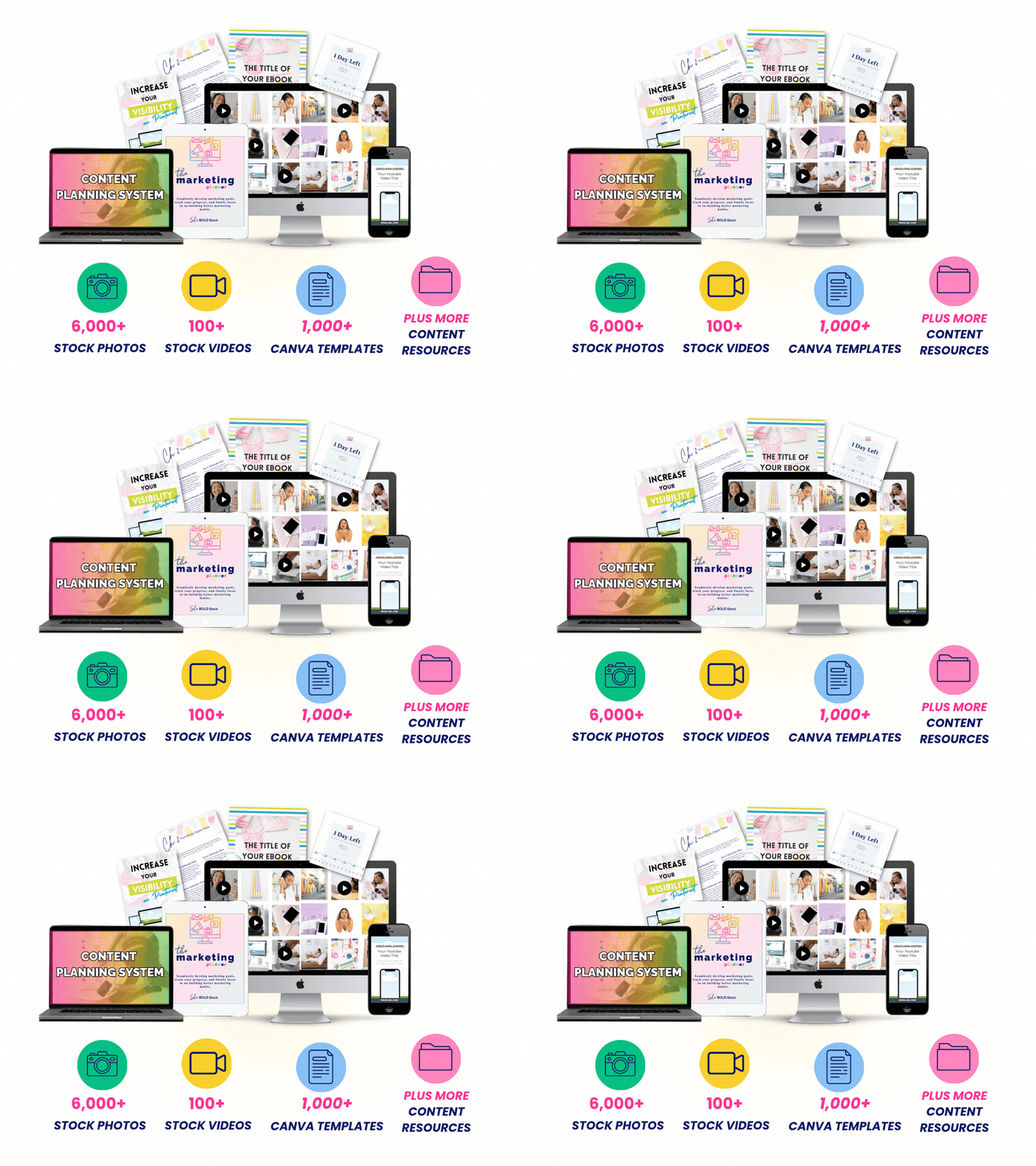
Inside the Vault, you'll find thousands of bright, colorful, inclusive stock photos, stock videos, Canva templates, and content creation resources designed specifically for online business owners.
Whether you're creating your next blog post, Pinterest pin, email, freebie, sales page, or social media graphic, you'll have ready-to-use resources to help you go from “What am I going to create?” to actually getting it done.
Stop creating your content from scratch.
STOP CREATING YOUR CONTENT
FROM SCRATCH.
Ready-to-use visuals and resources to make content creation easier.