How to Plan a Week of Content for Your Small Business
A Simple Weekly Content Planning System That Saves Time and Reduces Stress
Last Updated: July 2026
Do you ever sit down to create content only to realize you've spent the first 30 minutes searching for a photo, scrolling through Canva templates, and wondering what to write?
If so, you're not alone.
Many small business owners believe they're struggling because they don't have enough ideas. In reality, most people don't have an idea problem, they have a system problem.
When you create content without a plan, every post feels like you're starting from scratch.
The good news? It doesn't have to be that way.
In this guide, I'll show you exactly how to plan an entire week of content in one sitting using a simple system that helps you stay organized, save time, and show up consistently.
Why Weekly Content Planning Works
Planning your content one day at a time can feel exhausting.
Every morning you're asking yourself:
What should I post today?
Which photo should I use?
What should I write?
Which platform should I post on?
Those tiny decisions add up quickly and if you are anything like me, you’ll get decision fatigue and wont do anything!
Instead of making those decisions every day, getting stuck, procrastinate, and repeat, try setting aside one planning session each week.
Weekly planning helps you:
Save time throughout the week
Stay consistent with your marketing
Reduce decision fatigue
Create more intentional content
Spend more time serving your clients
Think of it as giving your future self a gift.
Before You Start: Pick One Weekly Planning Day
Consistency matters more than the day you choose.
Maybe you prefer:
Sunday afternoon
Monday morning
Wednesday during your CEO time
Friday before the weekend
Choose one day and make it part of your routine.
Even 45–60 minutes each week can make a huge difference.
Action Step
Add a recurring "Content Planning Session" to your calendar.

Treat it like an appointment with your business.
Step 1: Choose One Theme for the Week
Instead of creating seven unrelated posts, choose one topic that ties everything together.
Examples include:
Frequently Asked Questions
Behind the Scenes
Client Success Stories
Productivity Tips
Branding
Website Tips
Email Marketing
Content Planning
Having one weekly theme makes creating multiple pieces of content much easier.
Action Step
Finish this sentence:
This week's content theme is: ___________________
Step 2: Decide Where Your Content Will Be Shared
One idea doesn't have to live in one place.
A single topic can become:
A blog post
An email newsletter
Several Pinterest Pins
A Facebook post
A LinkedIn post
An Instagram carousel (if you use Instagram)
Your goal isn't to create more content.
Your goal is to get more value from the content you already create.
Action Step
Write down every place you'll share this week's content before you start creating.
Step 3: Gather Everything You'll Need Before You Create
This is where many business owners lose the most time.
Before writing anything, collect:
Brand photos
Stock photos
Videos or B-roll
Canva templates
Logos
Testimonials
Brand colors
Fonts
Previous content you can reuse
Instead of searching throughout the week, keep everything together in one place.
I like to call this your Content Vault, a library of marketing assets that's ready whenever inspiration strikes.
Action Step
Create folders on your computer such as:
Photos
Videos
Canva Templates
Blog Graphics
Testimonials
Brand Assets
Seasonal Content
The more organized your library becomes, the faster you'll create content.
Step 4: Write Everything in One Sitting
Now that you've chosen your theme and gathered your assets, it's time to create.
Start with your main piece of content.
For many businesses, that's a blog post or email.
Once that's finished, repurpose it into smaller pieces.
For example:
One blog post becomes:
One email
Five Pinterest Pins
One Facebook post
One LinkedIn post
Several short captions
Creating from one central idea keeps your messaging consistent and saves time.
Action Step
Set a timer for 60 minutes.
Turn off notifications.
Focus only on creating.
Done is better than perfect.
Step 5: Schedule Your Content
Don't rely on remembering to post every day.
Once everything is finished, schedule it.
Whether you use Pinterest scheduling tools, your email platform, or another scheduler, getting your content prepared ahead of time frees up mental space for other parts of your business.
Action Step
Before ending your planning session, schedule everything you can.
Common Weekly Content Planning Mistakes
Avoid these habits:
❌ Creating content every day from scratch
❌ Waiting until inspiration strikes
❌ Trying to be on every platform
❌ Searching for photos every single week
❌ Creating without a clear goal
Instead:
✔ Plan ahead.
✔ Stay organized.
✔ Repurpose your best ideas.
✔ Build systems that save time.
What If You Don't Have a Content Library Yet?
Start with what you have.
Create folders.
Organize your photos.
Save your favorite templates.
Keep your brand assets together.
Every week, add a little more.
Over time, you'll build a Content Vault that makes creating content feel easier instead of overwhelming.
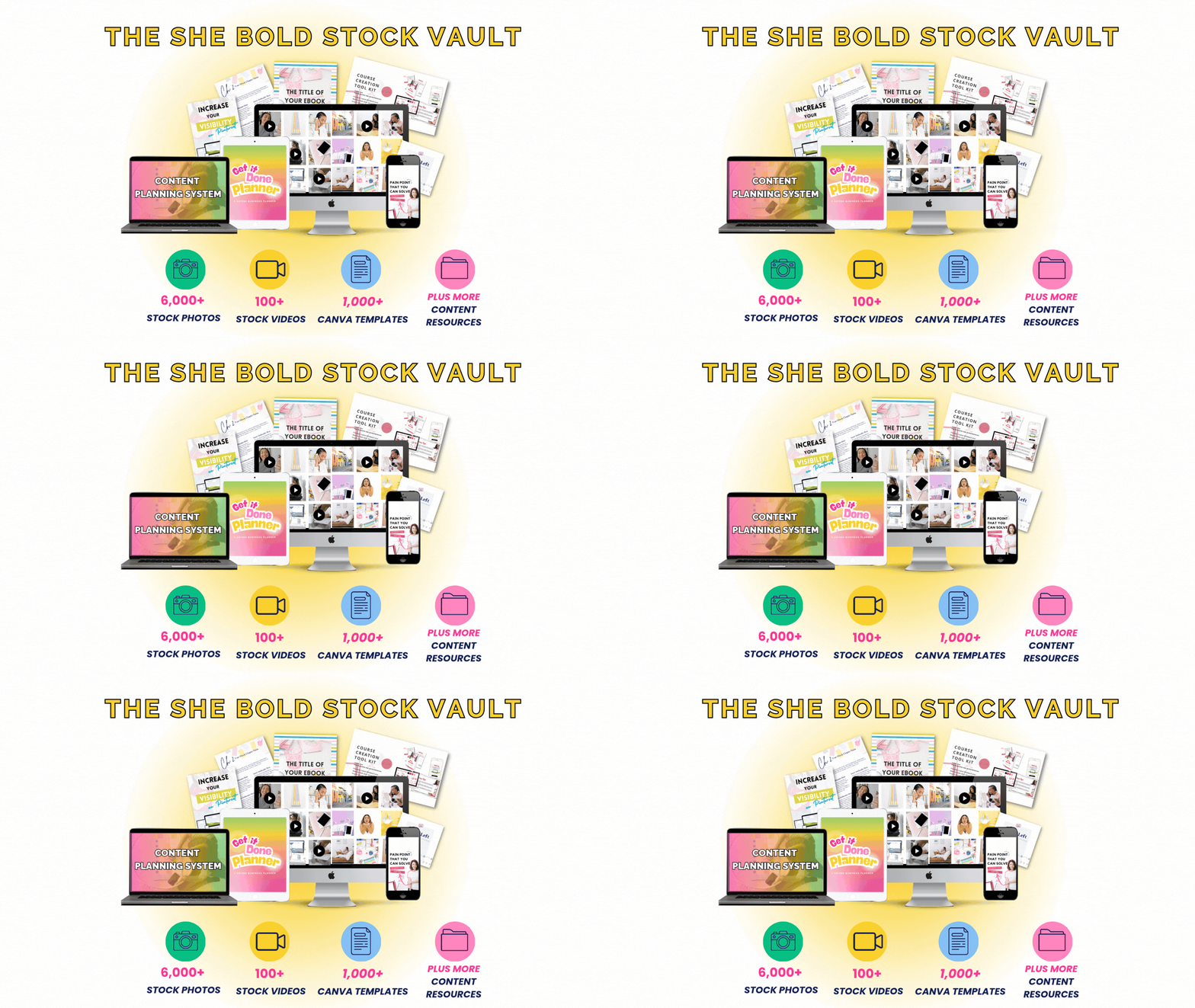
And if you don't want to build everything from scratch, that's exactly why I created the She Bold Stock Vault.
Inside you'll find thousands of stock photos, videos, Canva templates, and marketing resources designed specifically for service-based businesses, so you can spend less time searching and more time creating.
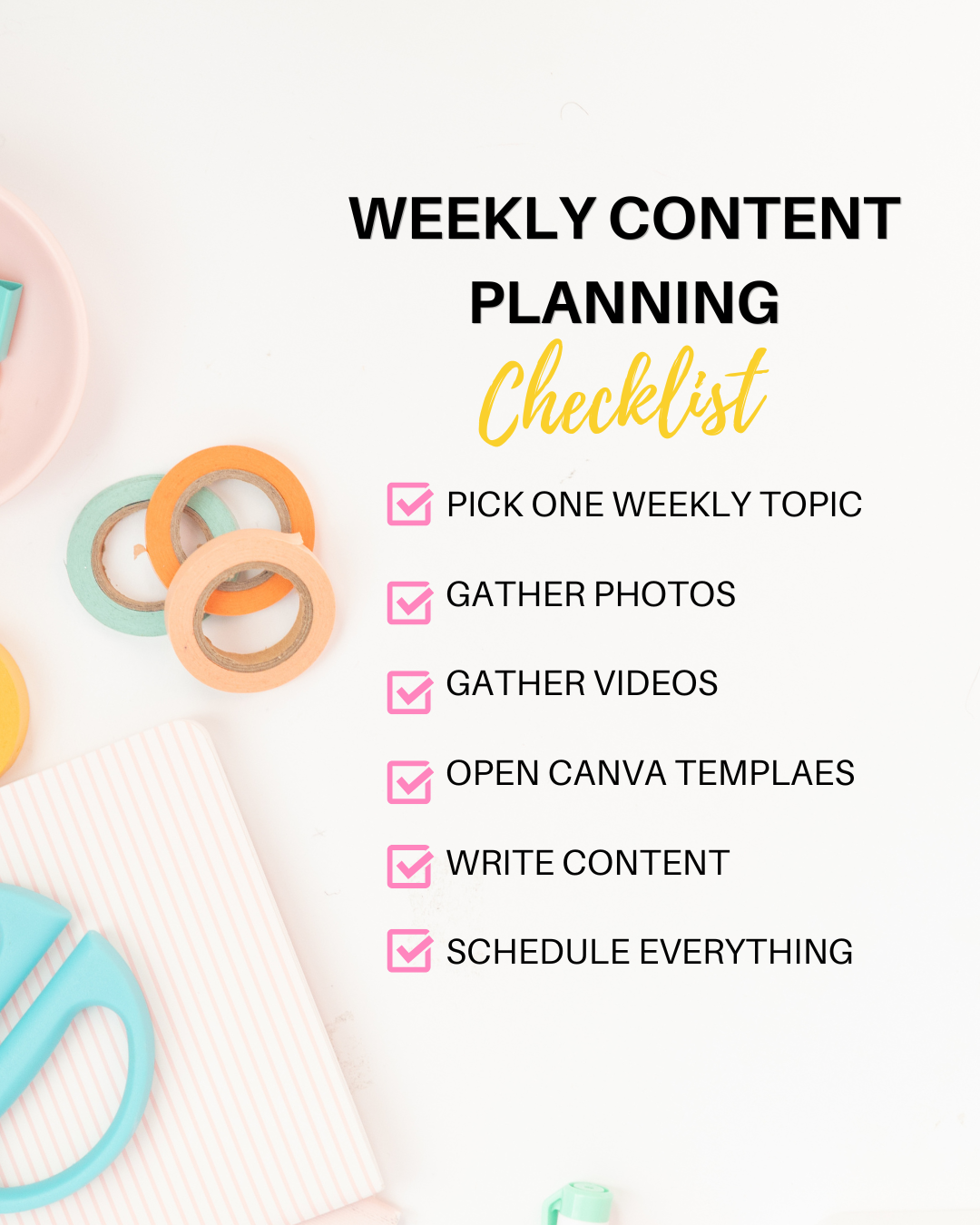
Your Weekly Content Planning Checklist
Before your next workweek begins, complete these five steps:
☐ Choose one weekly theme.
☐ Decide where you'll share your content.
☐ Gather your photos, videos, and templates.
☐ Create your content in one focused session.
☐ Schedule everything before the week starts.
Repeat this process each week, and you'll spend less time wondering what to post and more time growing your business.
Final Thoughts
Creating consistent content isn't about working longer hours or constantly chasing new ideas.
It's about building simple systems that make content creation easier.
When you have a plan, an organized Content Vault, and one dedicated planning session each week, creating content becomes less stressful and much more sustainable.
Start small.
Stay consistent.
Remember: You don't need to create everything from scratch every week.
Ready to Build Your Own Content Vault?
If you're tired of spending more time searching than creating, the She Bold Stock Vault was designed to help.
Inside you'll find:
✔ 6,000+ colorful stock photos
✔ 100+ stock videos
✔ 1,000+ Canva templates
✔ Marketing resources
✔ Content planning tools
✔ New ways to create content faster—without starting from scratch.